Talk to Michelle
Ask her anything about Callrix

Voice demo · No sign up

Callrix creates AI voice employees around the work your business needs. They speak with callers, follow your instructions and move the conversation to the right next step.
Ask her anything about Callrix
Voice demo · No sign up
Getting started is simple. Tell us about your business, choose what you want your AI employee to handle and connect your phone. We take care of the rest.
Share your website or business information. Callrix uses it to learn your services, opening hours, menus, policies and frequently asked questions.
Select the voice, role and responsibilities of your AI employee. Decide what it can answer, capture, book, process or pass to your team.
Keep your existing phone number and choose when Callrix should answer. Connect your booking system, POS, CRM or other workflows where needed.
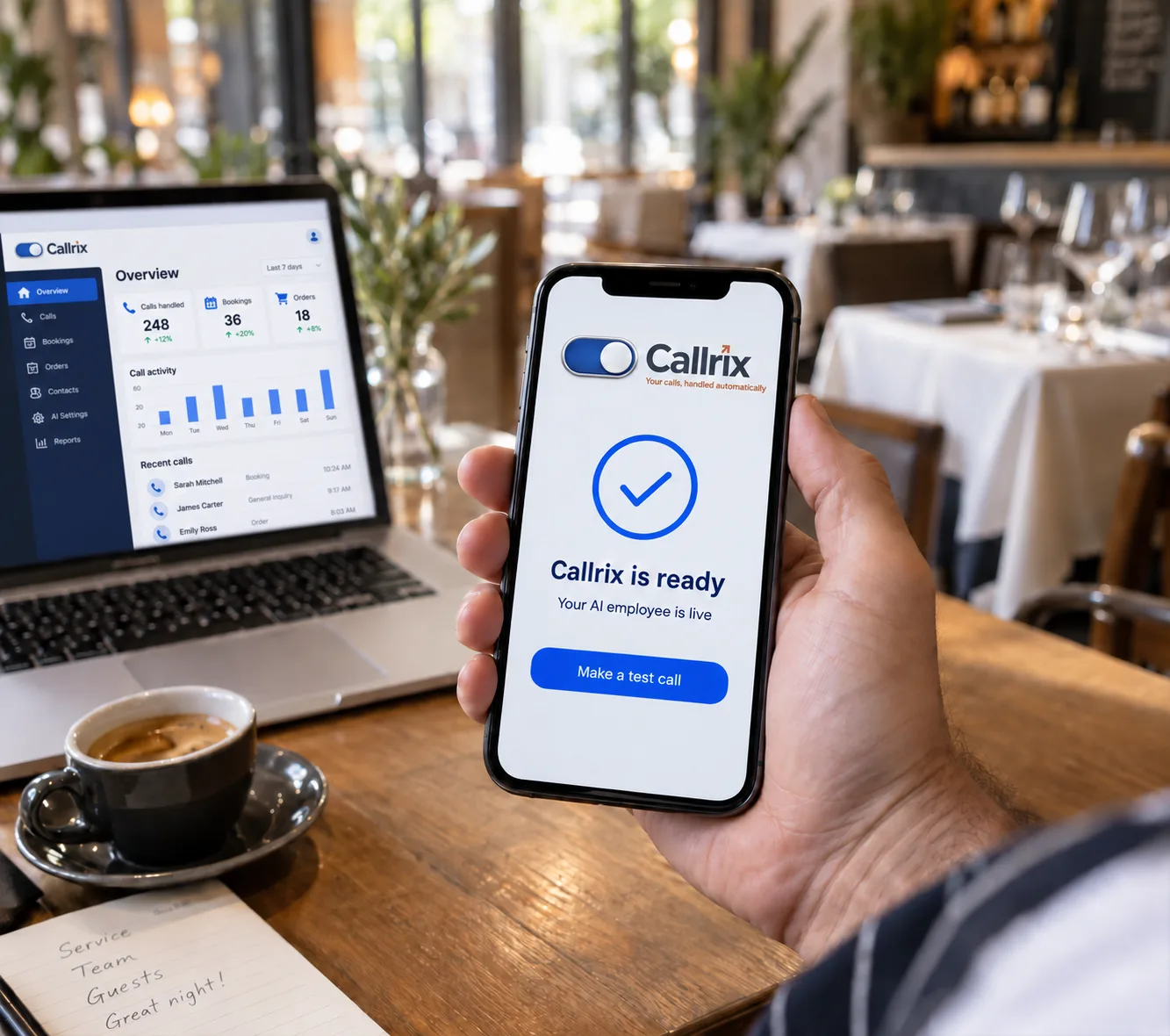
Make a few test calls, fine-tune the experience and start answering customers. Simple setups can go live in as little as 15 minutes, with more advanced workflows added as needed.
Capture caller details, requests, outcomes and next steps in clear summaries, giving your team the information they need without replaying the call.
Send messages, call summaries and urgent alerts to the right team members by SMS, email or your preferred workflow.
Connect Callrix with your booking system, calendar, CRM, POS and other business tools to check availability, create bookings, take takeaway orders, process payments, update records and more.
We confirm and test every connected workflow with you before it goes live.
Absolutely. Keep your existing number and simply forward the calls you want Callrix to answer. Our team will guide you through the setup.
Yes. Callrix can answer overflow calls, after-hours calls or every call, depending on how you want it to support your team.
You set the rules. Callrix can take a detailed message, notify the right team member or transfer the caller directly when live transfers are enabled.
Absolutely. Callrix connects with supported booking systems and POS platforms to check availability, create reservations, take orders, process payments and update your existing workflow.
You can get started in as little as 15 minutes. Add your business information, choose how calls should be handled and test your AI employee. More advanced integrations can then be connected and tested around your workflow.
Yes. Callrix can take complete takeaway orders, confirm items and special requests, process payments and send orders directly to your connected POS or kitchen printer. We test the entire workflow before it goes live.
See how Callrix can handle the calls around your business.